HiROs Fonts: 4 Free Original Kana and Latin Fonts (Commercial Use OK)
Fonts for Hiragana, Katakana, Latin letters, numbers and symbols, made from scratch by HiROs Studio. There are 4 styles: gentle handwriting, casual felt pen, heavy gothic and brush. They are free for personal and commercial use.
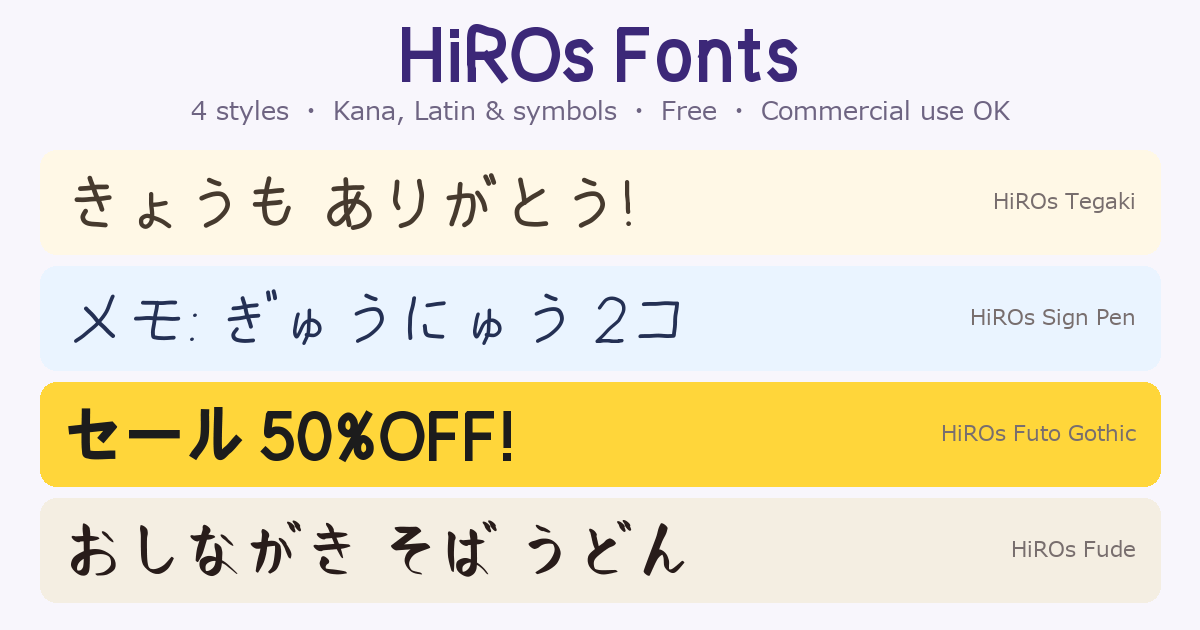
Kanji are not included. If you type kanji, your software shows just those characters in another font. The fonts are made for headings, captions, signs and messages written in kana and Latin letters.
Version 0.2 ・ TrueType (.ttf) ・ License: HiROs Studio Font Terms of Use
The four styles
| Font | Good for | Bold |
|---|---|---|
| HiROs Tegaki | Gentle handwriting for message cards, notices and kids | Yes |
| HiROs Sign Pen | Casual felt-pen handwriting for notes and POP signs | Yes |
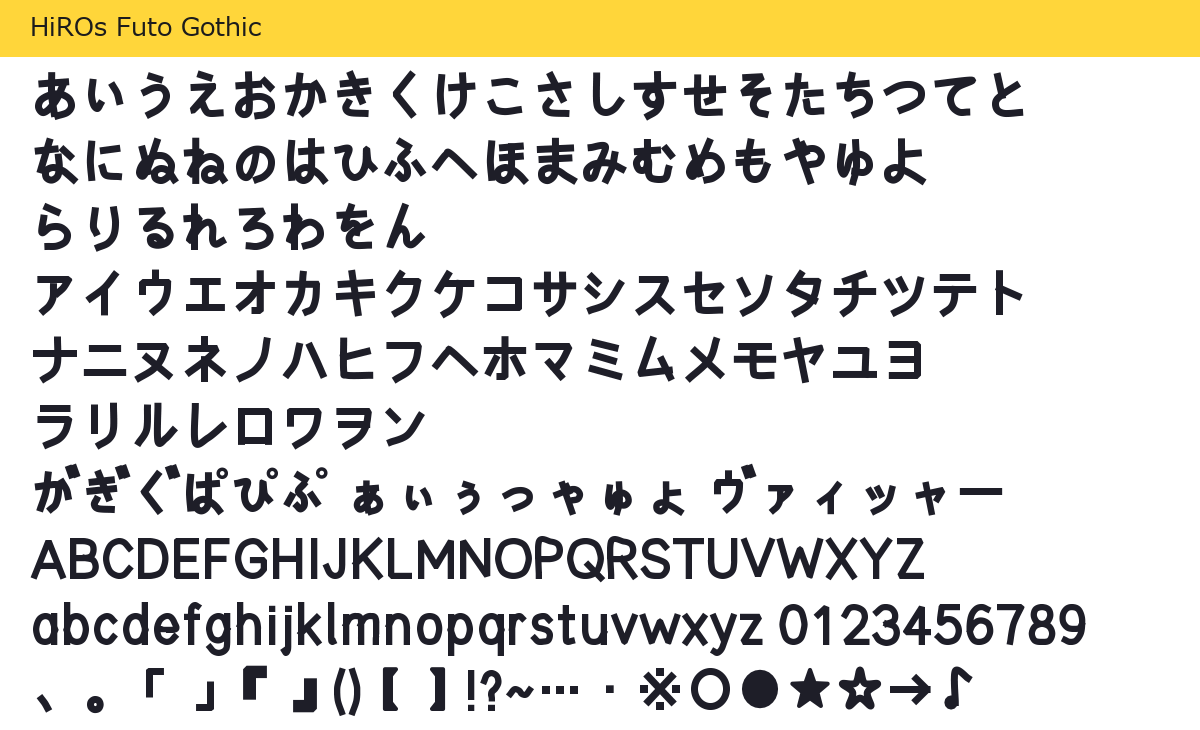
| HiROs Futo Gothic | Heavy, strong letters for thumbnails, sale signs and headings | No (it is already heavy) |
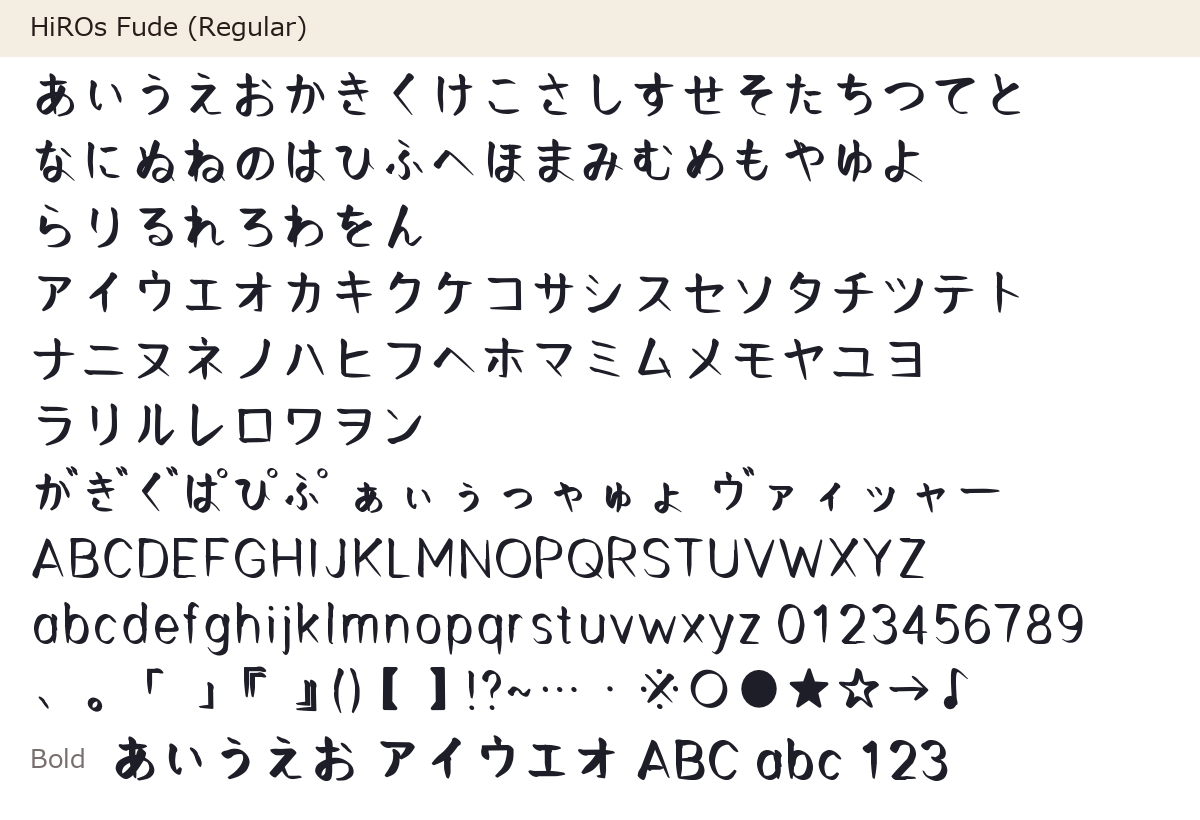
| HiROs Fude | Brush lettering for menus, greeting cards and Japanese-style designs | Yes |
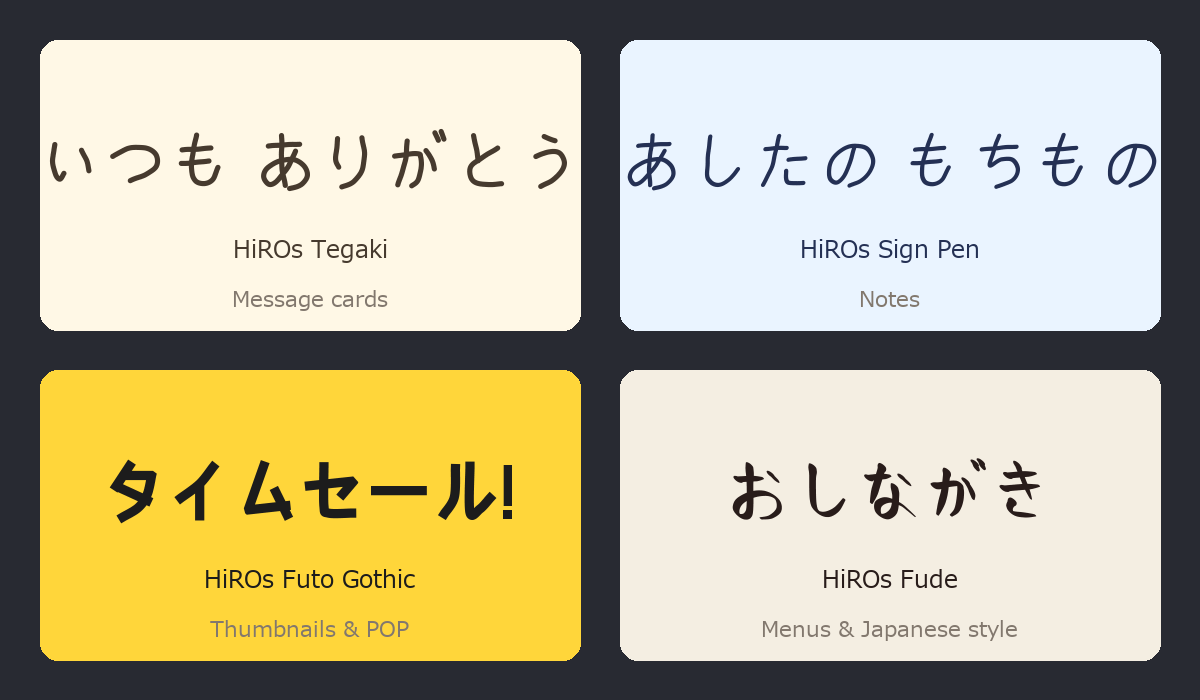
HiROs Tegaki
Download HiROs Tegaki (free, ZIP about 410 KB, Regular and Bold)
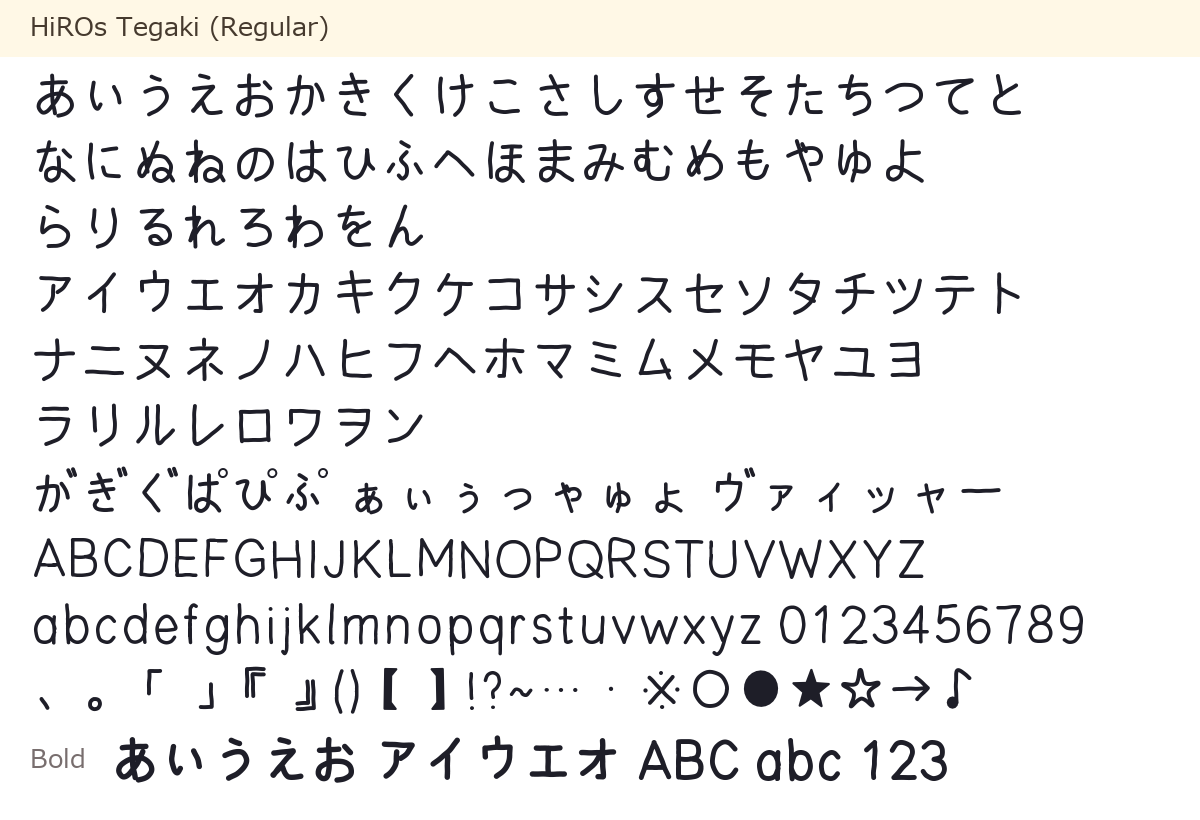
HiROs Sign Pen
Download HiROs Sign Pen (free, ZIP about 400 KB, Regular and Bold)
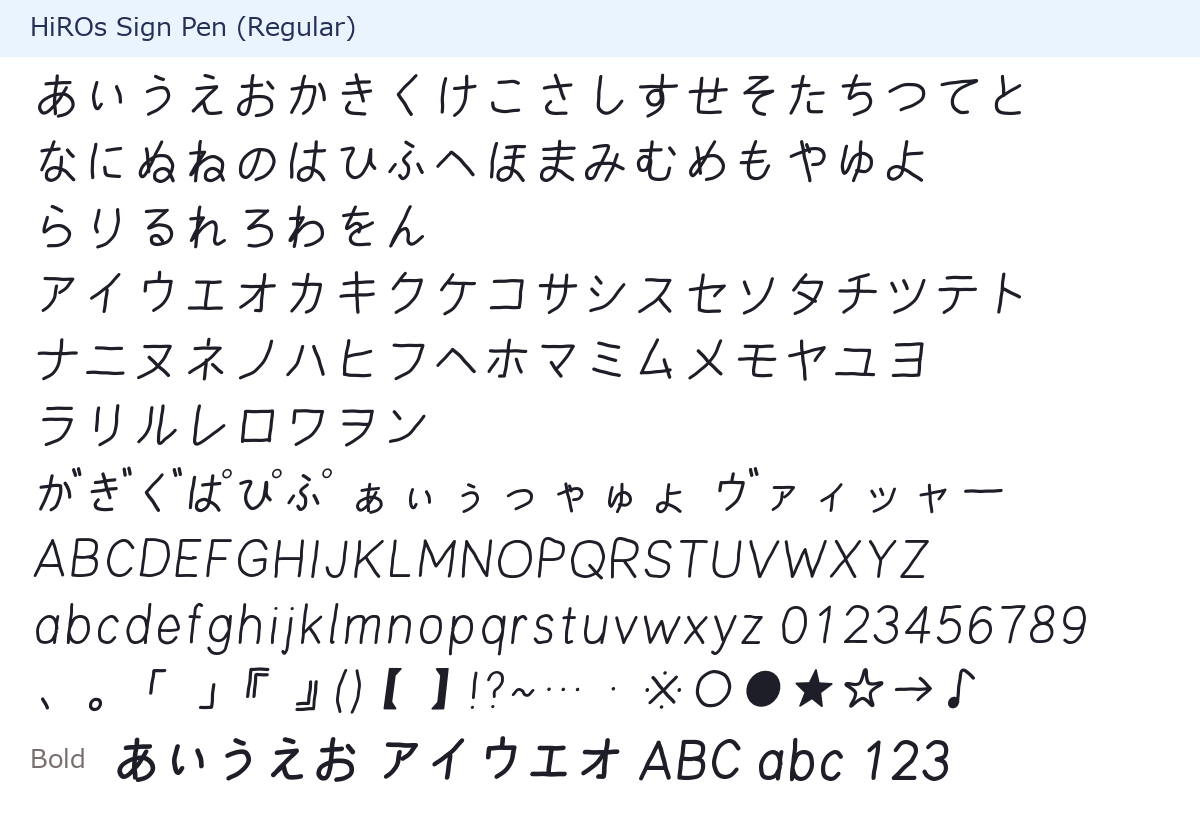
HiROs Futo Gothic
Download HiROs Futo Gothic (free, ZIP about 100 KB)
HiROs Fude
Download HiROs Fude (free, ZIP about 280 KB, Regular and Bold)
Characters
- Hiragana and Katakana, including voiced marks and small kana
- Latin letters (A–Z, a–z), numbers (0–9) and full-width forms
- Common symbols (、。「」『』()【】!?~…・※○●★☆→♪ and more)
Every character is an original design built by HiROs Studio from its own stroke skeletons. No shapes from other fonts are used.
What you can do
- Free for personal and commercial use: videos, thumbnails, images, print, signs, logos, product packaging and more.
- No need to contact us or give credit.
- You may embed the fonts as web fonts, in apps and games, and in PDFs (please keep the font files from being extracted).
- You may not distribute, sell or lend the font files, including modified versions and inclusion in asset packs or font collections.
For details, read the HiROs Studio Font Terms of Use. The same terms are included in each ZIP.
HiROs Pop is distributed under the SIL Open Font License 1.1, not these terms (HiROs Pop page).
How to install
- Download the ZIP of the font you want.
- Open (extract) the ZIP and take out the .ttf files. Fonts with Bold have two files: Regular and Bold.
-
Windows: right-click the .ttf → "Install".
Mac: double-click the .ttf → "Install Font". - Restart Word, PowerPoint or your image editor, and "HiROs Tegaki" and the others appear in the font list.
If you install both Regular and Bold, the "B" (bold) button in your software switches to the Bold font.
FAQ
What happens when I type kanji?
These fonts have no kanji, so your software shows kanji in another font. Use them for headings and captions in kana and Latin letters, or pair them with another font for kanji.
Can I use them in YouTube videos and thumbnails?
Yes, even in monetized videos. No contact or credit needed.
Can I use them in a shop logo or on products I sell?
Yes. Logos, signs and product packaging are fine. What you cannot do is distribute or sell the font files themselves.
I found a bug or have a request
Please let us know from the contact form.
Version history
- Version 0.2 (October 2026): Released the four fonts.